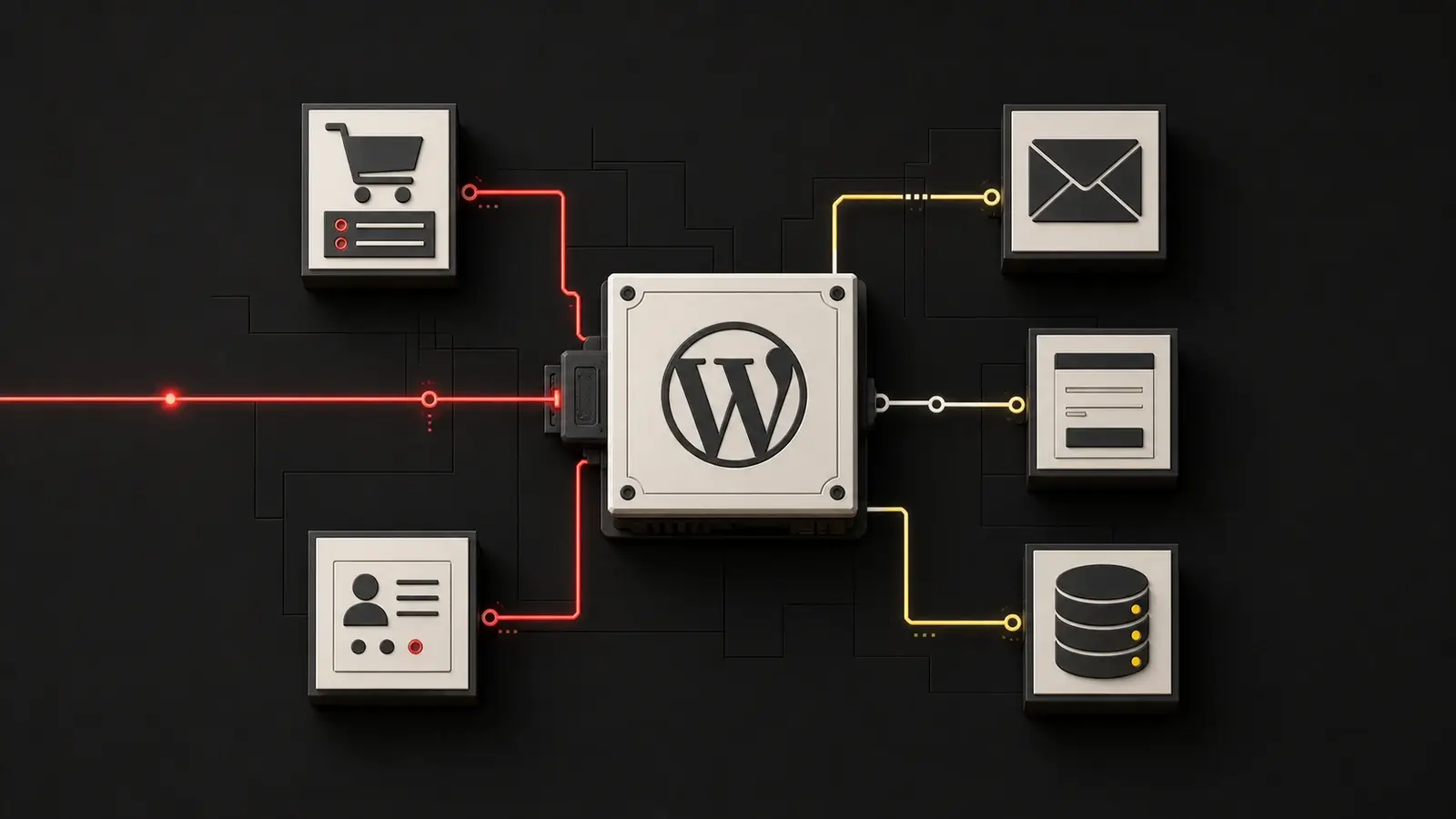
A compromised company website doesn't always go offline.
It can continue to display products, collect contact information, and receive orders while someone is reading the database, creating a hidden access point, or setting up a redirect to a fraudulent page. The site may be compromised hours or days before the damage becomes apparent.
On July 17, 2026, WordPress released urgent updates to address two core vulnerabilities. In the affected versions, the combination of these vulnerabilities is known as wp2shell and could allow an unauthenticated attacker to execute code remotely.
In the official announcement, WordPress mentions a critical problem and a very serious one and recommends that the affected sites be updated immediately.
This isn't just another vulnerability in a rarely used plugin. It's a problem at the core of WordPress—one so serious that it has prompted the project to enable forced automatic updates.
What Does "wp2shell" Mean for Business Owners?
The technical references are CVE-2026-60137, an SQL injection, and CVE-2026-63030, a vulnerability in the handling of batch requests in the WordPress REST API. Together, in the most recent versions, these vulnerabilities could allow an anonymous user to bypass controls that were intended to restrict access.
A vulnerable site can therefore be attacked without the attacker first having to steal the administrator's password and without a specific faulty plugin being installed.
The affected versions are:
- WordPress 6.8.0 – 6.8.5: Vulnerable to SQL injection; update to 6.8.6.
- WordPress 6.9.0 – 6.9.4: Vulnerable across the entire chain; to be updated to 6.9.5.
- WordPress 7.0.0 – 7.0.1: Vulnerable across the entire chain; to be updated to 7.0.2.
- WordPress 7.1 beta: Use at least the beta2.
Versions prior to 6.8 are not affected by these two CVEs. This does not mean that an old, unsupported version of WordPress is secure; it simply indicates that the specific issue is a different one.
Potential Damage to a Company Website
Security is often described as a list of acronyms. For a company, however, risk is measured in disrupted processes, data that needs to be verified, customers who need to be notified, and lost workdays.
Sales and contacts may come to a halt or end up in the wrong hands
A compromised e-commerce site may stop receiving orders, display altered prices or payment details, redirect users, or collect data without authorization. A service website may continue to display the contact form while requests are intercepted, deleted, or sent elsewhere.
The website does not have to be offline to result in a financial loss.
The database can hold more data than you might think
WordPress doesn’t just store pages and posts. Depending on the project, it may contain user accounts, orders, customer data, form submissions, plugin settings, and operational information. If there is a reasonable suspicion of unauthorized access to personal data, the company must assess the incident from both a privacy and legal perspective in consultation with the appropriate experts. Not every attack automatically constitutes a reportable data breach, but ignoring the investigation is not a viable strategy.
Reputation, SEO, and domain status may be affected
Malware, phishing pages, SEO spam, and redirects can lead to browser warnings, altered search results, and a loss of trust. Even after a technical cleanup, it may take time and verification to remove warnings, restore indexing, and demonstrate to customers that the site is trustworthy again.
Integrations expand the scope of what needs to be monitored
A corporate website often interfaces with CRM systems, newsletters, automation tools, management systems, payment systems, and advertising tools. wp2shell does not automatically compromise every connected service. However, if the site was able to read tokens or credentials, those secrets may need to be revoked and replaced.
Updating is urgent, but it may not be enough
Patches fix vulnerabilities. They do not undo what an attacker may have done previously.
Exploits in the real world were observed shortly after the patches were released. For this reason, the correct answer has two parts:
- immediately update to a correct version;
- Check whether the site shows signs of a previous breach.
Relying on the idea that “WordPress updates itself anyway” isn’t enough. Automatic updates can be disabled, blocked by server permissions, managed by a plugin, or overridden by a deployment process. You need to verify which version is actually running.
The Five Questions Every Company Should Be Asking Today
- Which version of WordPress is installed on each of our sites? Not only on the main domain, but also on blogs, subdomains, landing pages, and old projects that are still accessible.
- Who is responsible for the update? Company, agency, freelancer, hosting provider, or no one in particular?
- Has the update been verified? An automated email is no substitute for verifying the actual version and critical functions.
- Do we have any useful logs and backups? The backup must be intact and restorable. The logs must cover the time period between the disclosure and the update.
- Would we know what to do if we found a suspicious account or file? Deleting everything in a hurry can destroy evidence without actually blocking the attacker's access.
What Else to Check Besides the Version
CERT-AGID recommends checking for unusual requests to the REST API's batch endpoints, new administrative accounts, unexpected file modifications, unknown plugins or themes, web shells, unusual database access, and changes to configurations or credentials.
For a company manager, this doesn't mean opening up the terminal and trying to act as a forensic analyst. It means asking the technical provider for verifiable feedback:
- version before and after the procedure;
- integrity check result;
- verification of administrator users and installed components;
- monitoring logs and recent changes;
- Testing of forms, checkout, payments, webhooks, and automations after the update.
For the more technical part, Edoardo has prepared a A Complete Guide to wp2shell, Including a Version Matrix, Technical Impacts, and Post-Patch Checks.
When There Is No One in Charge of Maintenance
A critical vulnerability can occur in any software. A maintenance process reduces the exposure time and ensures a more organized response:
- updated inventory of sites;
- a clearly designated person responsible for patches and testing;
- Backups that have been tested and are stored separately from the site;
- monitoring vulnerabilities and changes;
- Procedure for responding when something doesn't add up.
Clicking “Update” is an action. Website Maintenance It's about knowing when to do it, having a rollback plan, monitoring what matters, and not leaving the customer on their own if the site experiences issues.
Minimum plan for the next few hours
Right away
Check all public WordPress installations and update any vulnerable versions to 6.8.6, 6.9.5, 7.0.2, or later fixed versions.
After the patch
Check logs, administrative accounts, files, plugins, themes, and critical business functions. An up-to-date WAF adds protection, but it does not replace patching.
If something suspicious comes to light
Isolate the site, preserve evidence, assess what data and confidential information may have been compromised, revoke the compromised credentials, and restore the system from a clean source. If personal data is involved, also involve the appropriate privacy and legal personnel.
To Prevent the Next Emergency
Define who manages updates, the timeline for them, the necessary checks, and the recovery procedure. Putting this in writing in agreements with hosting providers and other vendors avoids the classic round of phone calls where everyone assumed someone else was handling it.
Frequently Asked Questions for Businesses and E-Commerce
My company uses WordPress: Should I be concerned?
You need to check—don't panic. If the site is using a vulnerable version, the priority is to update it and check for any issues. If it's already running the correct version, you should still verify that the update was successful.
My hosting provider handles the updates: is that enough?
That's a good check, but we need confirmation. Ask for the actual version, the time of the update, and whether any post-patch tests were performed. The hosting provider, the agency, and the company must have clearly defined responsibilities.
Does a security plugin fix wp2shell?
No. Plugins and WAFs can block some attempts and add monitoring. The definitive solution is still to update the WordPress core.
If the website has been hacked, do I need to notify all customers?
Not automatically. First, it must be determined what happened, what data may have been involved, and what obligations apply. If personal data or payment information is involved, the assessment must promptly involve privacy officers, legal counsel, and technical staff.
Can a showcase website really cause a problem for a business?
Yes. It can be used for phishing, spam, malware, contact theft, or reputational damage. The risk of compromising other systems depends on integrations, available credentials, and the isolation of the hosting environment, so it must be assessed on a case-by-case basis.
Sources
- WordPress 7.0.2 Security Release
- CERT-AGID, wp2shell: Critical Vulnerabilities in the WordPress Core
- Cloudflare, WAF protections, and affected versions
- SecurityWeek, exploit observed in the real world
If you don't know who's auditing your WordPress site, now's the time to find out. Talk to WebWakeUp: We can check the version, updates, and key indicators without turning a technical review into a presentation full of acronyms.