A consultant rarely loses revenue because they lack leads. More often than not, they lose it because an inquiry sits in an email inbox, a follow-up is postponed, or a deal falls through after the first call. The best CRMs for consultants aren’t meant to fill dashboards—they’re designed to ensure you don’t hand opportunities over to those who respond first, assess the situation better, and follow up systematically.
An Excel spreadsheet can handle the first ten leads. But when you start dealing with advertising campaigns, referrals, website inquiries, WhatsApp messages, and appointments, it becomes a bottleneck. The right CRM turns sales chaos into a process: you know who asked for what, where the negotiation stands, what to do next, and just how much potential revenue you actually have on the table.
What a CRM Should Do for a Consultant
A consultant doesn’t need the same system as a multinational corporation with five sales departments and endless sales cycles. What they need is speed, context, and discipline. They need to open a file and immediately see the lead’s source, the call notes, the proposal sent, the planned activities, and the exchanges that have taken place.
The point isn't to have a hundred features. The point is to eliminate the steps that currently rely on memory. If, after a call, you have to copy data into three tools, manually create a reminder, and search through old emails to prepare a quote, the problem isn't your productivity. It's a poorly designed sales process.
A useful CRM for consulting should therefore combine four elements: contact and company management, a visual opportunity pipeline, an activity calendar, and essential automations. If it integrates with website modules, email, a calendar, and quoting tools, all the better. But integration should be chosen because it reduces workload, not because it looks good in a demo.
The Best CRMs for Consultants: Which Ones Are Really Worth Considering
There is no single "best" option. The right CRM depends on your volume of leads, the complexity of your sales process, the tools you already use, and your team's willingness to follow a specific method. Here are the platforms worth comparing.
HubSpot CRM for Lead Generation and Marketing
HubSpot is a solid choice for consultants and firms that generate leads from websites, landing pages, newsletters, and campaigns. Its advantage is clear: CRM, forms, email marketing, automation, and activity tracking can all be integrated into the same ecosystem. This avoids the classic scenario where marketing generates leads and the sales team follows up on them without knowing which campaign they came from.
It’s particularly well-suited if you want to understand which channels generate appointments and customers—not just traffic. The downside is that, as your business grows and your needs become more advanced, certain modules and customizations may require a more significant investment. Don’t buy it just to use the address book—that would be like buying an entire office just to house a desk.
Pipedrive for Linear Consultative Selling
Pipedrive is often one of the most straightforward options for those who want to organize their sales pipeline. Its interface is centered around deals and sales stages—a very useful approach if your workflow follows a fairly clear path: inquiry, qualification, call, proposal, negotiation, and close.
It works well for individual consultants, agencies, and small teams that need to see what’s moving and what’s stagnant. Its limitation isn’t a flaw, but a design choice: for complex marketing automation or highly sophisticated funnels, it may be necessary to integrate other tools. If you’re primarily looking for control over negotiations and timely follow-ups, this simplicity is a real advantage.
Zoho CRM for Custom Workflows
Zoho CRM is worth considering when a consulting firm has specific operational rules, multiple services, multiple roles, or a need to build custom workflows. It offers a high level of customization and integrates with a broad ecosystem of applications for billing, email, campaigns, and customer support.
The price of flexibility is setup time. Without an initial design, you run the risk of creating unnecessary fields, confusing automations, and screens that no one wants to fill out. It’s a good choice for those who are ready to define real business processes before digitizing them. It’s not for those who hope the software will decide how to sell on their behalf.
Salesforce for Complex Sales Organizations
Salesforce is designed for organizations with complex sales pipelines, high volumes, structured teams, and a need for deep integrations. It can be an excellent choice for growing consulting firms with separate sales and marketing departments, approval processes, and highly detailed reporting.
For a freelancer or small business that simply wants to respond more effectively to leads, however, it may be overkill. A powerful CRM that isn’t adopted by the team results only in a recurring cost and the illusion of control. Technology doesn’t make up for a lack of implementation.
ActiveCampaign: Is Follow-Up the Decisive Factor?
ActiveCampaign was founded with a strong focus on email marketing and automation, but it can be an attractive option for consultants working with longer sales cycles. Consider those who sell training, strategic consulting, B2B services, or high-value programs: prospects rarely make a purchase after the first interaction.
The strength here lies in the ability to create sequences based on the lead’s behavior. Does a potential customer download a resource, visit a service page, or fail to respond to a proposal? You can trigger targeted communications and sales activities. However, it must be configured carefully: automating irrelevant messages isn’t nurturing—it’s spam with a monthly subscription.
How to Choose Without Being Swayed by the Demo
A CRM demo always shows a perfect pipeline. Your week, on the other hand, is filled with phone calls, incomplete requests, customers who disappear, quotes that need chasing, and leads coming in from different channels. The useful question isn’t “Which CRM has the most features?” but “Which CRM will we use every day without creating extra work?”.
Before making a decision, define the minimum workflow you want to manage. Where does a lead come from? How soon should it receive a response? What information is needed to qualify it? How many stages are there in the sales process? When should a follow-up be triggered? Who is responsible for the next step? If you don’t have answers to these questions, no software will solve the problem.
Next, consider four practical aspects:
- Adoption: A CRM system must be easy to understand for its users, not just for those who purchase it.
- Integrations—including website modules, email, calendar, WhatsApp, advertising, and quoting tools—must work together where it really matters.
- The data: You need to be able to see where the leads come from, conversion rate, closing time, and opportunity value.
- Growth: The system must support new services, employees, and channels without forcing you to start all over again after six months.
Be careful not to make a common mistake: confusing customer management with lead management. A consultant may know their active clients very well but still lose new business because they lack a lead generation process. The CRM must cover both phases, from the initial inquiry to renewal, referrals, and potential upsells.
CRM alone does not generate customers
This is the part that many vendors leave out. CRM doesn’t create demand, it doesn’t improve a weak proposal, and it doesn’t save a sales rep who follows up with leads two weeks later. It’s a multiplier for a well-thought-out process.
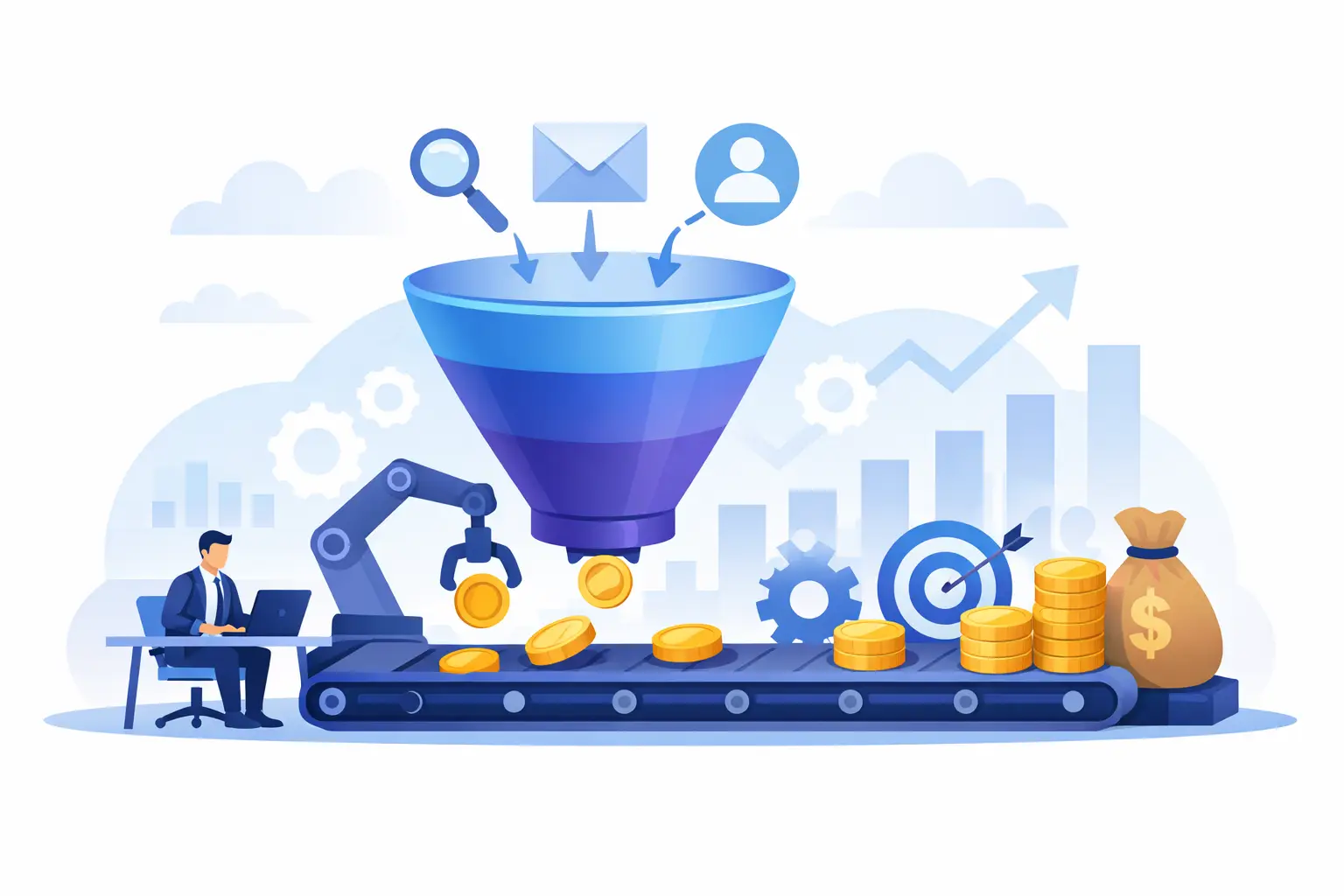
To achieve results, the CRM must be integrated into an ecosystem that generates leads and moves them through the sales funnel: landing pages with well-designed forms, Tracked campaigns, a calendar for scheduling calls, automated confirmation messages, reminders, and immediate task assignment. When each step is disconnected, leads go cold. When the process is integrated, every euro invested in lead generation is more likely to turn into revenue.
WebWakeUp addresses this very issue: it doesn’t just install software and leave you to figure out the settings on your own, but rather builds a workflow that integrates your website, campaigns, automations, and sales management. Because the real result isn’t just having an active CRM—it’s knowing that no valid request goes without a follow-up action.
Choose the CRM that makes it impossible to forget a lead, easy to track a deal, and quick to step in when something gets stuck. The rest is just digital window dressing—and window dressing doesn't close deals.