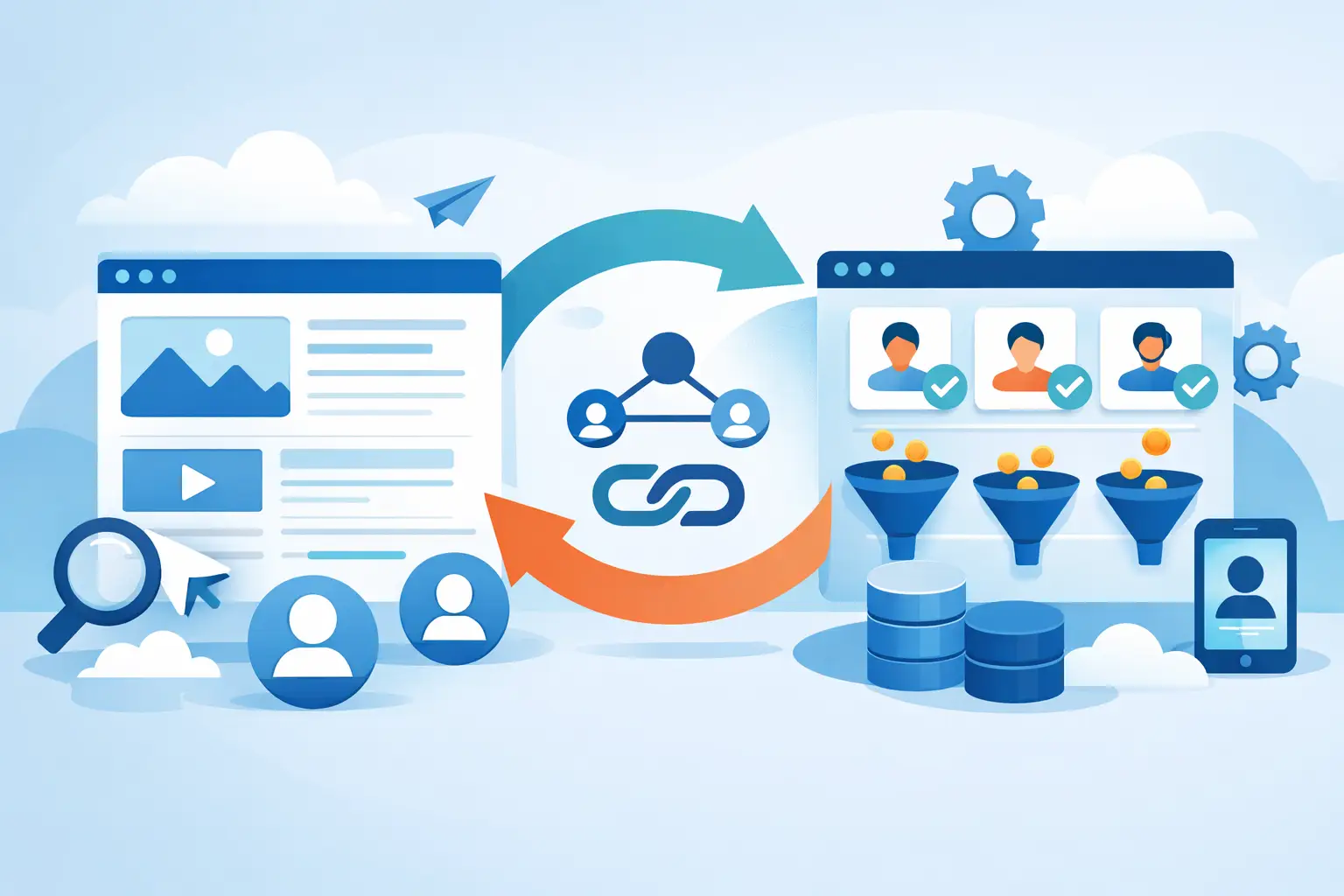
A form that’s been filled out and submitted via email isn’t a qualified lead. It’s a potential customer who might get lost amid spam, delays, Excel spreadsheets, and responses that come too late—after they’ve already chosen a competitor. Understanding How to Connect Your Website to Your CRM It helps eliminate this waste: every request enters the system, is tracked, and becomes measurable all the way through to the sale.
For many small and medium-sized businesses, a website is still a online brochure and the CRM is a database that the sales team only uses to its full potential. Keeping them separate means working with incomplete data and chasing after people who had already expressed interest. Proper integration, on the other hand, transforms the website into the first link in a real sales process.
How to Connect Your Website and CRM: The Workflow That Matters
The principle is simple: when a user fills out a form, schedules a call, requests a quote, or downloads content, their data must be automatically imported into the CRM. Not tomorrow. Not when someone remembers to copy it. Right away.
But simply transferring the name, email address, and phone number isn’t enough. A well-designed integration also records the page the lead came from, the advertising campaign that generated it, the service of interest, the privacy consent, and the requested action. Without this information, the sales representative knows there’s a lead but doesn’t know what prompted the person to contact the company. As a result, they’ll respond with a generic message—which means a lower chance of closing the deal.
The ideal workflow follows a precise logic. The visitor submits their information on the website; the CRM creates or updates the contact record; the lead receives a confirmation consistent with their request; it is assigned to a person or a team; a sales activity with a deadline is initiated. From there, every step is tracked: initial contact, appointment, negotiation, quote, closed deal, or reason for loss.
This is the difference between collect contact information and build a sales funnel. In the first case, you hope someone will call back. In the second case, you decide what happens after each conversion.
Before integration: Define what needs to happen
The most common mistake is to start with the tool. You choose a CRM, install a plugin, and discover after a few weeks that all your leads end up in the same list, with no priority or context. Technology doesn’t fix a messy process—it just makes it faster at creating confusion.
Before setting up the integration, you need to answer a few operational questions. Which website actions generate a valuable lead? What data does the sales team actually need? Who handles the inquiry? How quickly do they need to respond? What are the stages of a sales negotiation? And most importantly: what makes a lead qualified for your business?
A construction company, for example, may need to know the project location, type of work, and estimated budget. A professional firm may need to distinguish between individuals and businesses, the service requested, and the urgency. An e-commerce site may want to identify a repeat customer, an abandoned shopping cart, or an after-sales request. Copying a competitor’s form is not a strategy. It means leaving your business process to chance.
Just a few fields, but useful ones
Every required field on the form slightly reduces the likelihood of completion. Asking for everything right away is often a bad idea, especially for people coming from an ad campaign who aren’t yet familiar with the brand. But even asking only for an email address and phone number can result in leads that are too vague to be effectively followed up on.
Balance is key. For an initial sales inquiry, the name, contact information, service of interest, and a qualifying question may be sufficient. Additional information can be gathered during the call or in a follow-up. The CRM should contain data that helps drive sales, not a collection of trivia.
3 Ways to Integrate Your Website and CRM
The solution depends on the website, the chosen CRM, the volume of requests, and the complexity of the process. There is no single, universally best option.
Native integration
Some CMSs, page builders, and CRMs offer direct connectors. They’re a sensible choice when the workflow is straightforward: submitting a form, creating a contact, assigning certain fields, and notifying the team.
The advantage is how quickly they can be set up. The downside is that these integrations often struggle with more specific logic, such as routing leads by region, updating campaigns, advanced deduplication, or sending data from multiple sources. They’re good for getting started, but not always sufficient for scaling.
Automation Using Connectors
Automation platforms enable your website, CRM, calendar, email, advertising tools, and management software to communicate with one another. Here, you can create more useful rules: if a lead requests a premium service, they are assigned to a senior consultant; if the request comes in after hours, they receive an automated response and a follow-up scheduled for the next business day; if the lead already exists in the CRM, their record is updated instead of creating a duplicate.
It’s a flexible approach, but it needs to be planned. Any automation added without proper oversight can lead to duplicate records, unnecessary notifications, and inconsistent messages. Automating a flawed process simply means making mistakes faster.
API Integration
When a website includes configurators, restricted areas, quote tools, complex e-commerce features, or specific business rules, a custom API integration may be necessary. This option offers the most control: you decide what data to send, when to synchronize it, and how to handle errors.
It requires development, testing, and maintenance. It doesn't make sense to use it for a simple contact form if a reliable connector can solve the problem. It makes sense when the user journey and the data collected directly impact the value of the deal.
Don't just connect the modules—connect the sources
A CRM Without Attribution It's a tracking tool, not a growth tool. If you invest in Google Ads, Meta Ads, SEO, email marketing, or local campaigns, you need to be able to tell which channels generate leads and which ones bring in customers who actually make purchases.
The website should transfer available information about the source—channel, campaign, ad, content, or landing page—to the CRM. Not to fill decorative dashboards, but to make budget decisions. A campaign might generate 100 low-value leads and zero sales. Another might generate twenty higher-cost leads but close major deals. Without linked data, you risk shutting down the second campaign because you’re only looking at the cost per lead.
Consent must also be taken into account. Personal data and communication preferences must be collected and stored in a manner consistent with applicable regulations. A CRM system is not a free pass to send communications to anyone who has filled out a form. Separating commercial requests from marketing consent helps avoid problems and keeps the database cleaner.
Response Time: This Is Where Sales Are Lost
The most immediate benefit of connecting your website to your CRM isn't technical—it's business-related. When an inquiry comes in, your team needs to know about it and take action. If the lead has to wait two days, they'll likely have compared other offers, received a phone call, and made a decision in the meantime.
CRM can create reminders, automatically assign contacts, and show which inquiries have not been answered. This does not replace the sales representative. It simply prevents them from working in the dark.
Track at least four metrics: average time to first response, percentage of leads contacted, appointments scheduled, and sales closed—all broken down by source. If you don’t know where the process breaks down, you can’t fix it. You can only increase the budget and hope for the best.
Signs of a Failed Integration
There are symptoms that warrant attention. The first is duplicate contacts: the same person appears multiple times and receives different messages. The second is the loss of source data, which makes it impossible to determine where the revenue comes from. The third is the absence of an assignment rule, with leads left in a shared list until someone notices them.
Email automation should also be handled thoughtfully. An immediate confirmation is helpful. Five standardized messages sent within the first two days can damage the company’s reputation, especially if a sales representative calls in the meantime without being aware of the sequence of messages that have been sent. The website, CRM, marketing, and sales teams must all be on the same page.
At WebWakeUp, we approach this task as part of the lead-generation infrastructure, not as a technical add-on tacked on at the end of the project. Because a website that generates leads without a management process isn’t generating opportunities—it’s creating manual work and missed opportunities.
The connection should be checked periodically
After publication, test the user journey as a potential customer would. Fill out the forms on both desktop and mobile, verify the fields in the CRM, check the notifications, test scenarios involving existing contacts, and analyze whether campaigns are being attributed correctly. An integration may break after a website update, a change to the form, or a change in CRM permissions.
Maintenance is just as important as setup. Services change, offerings evolve, and customer requests take on new forms. The workflow must adapt without forcing the team to fall back on scattered emails and outdated files.
The point isn't to have more software. The point is to ensure that a prospect doesn’t become invisible the moment they click “Submit.” When the website and the CRM work together, every lead has an owner, a history, and a next step. That’s when digital marketing stops being a cosmetic expense and starts driving revenue.