If a prospect fills out a form on your website today and no one follows up with them within 48 hours, you don’t have a marketing problem. You have a process problem. And this is where automated business workflows stop being a technical issue and become a direct driver of revenue.
Many companies view automation as a convenience—a way to save time, lighten the team’s workload, and avoid repetitive tasks. That’s true, but it’s only part of the story. The real issue is something else: every unmonitored manual step slows down the sales response, increases errors, and leaves room for leads to slip through the cracks. In practice, you’re paying to generate opportunities that you then fail to manage with the speed needed to convert them.
What Are Automated Business Workflows, Really?
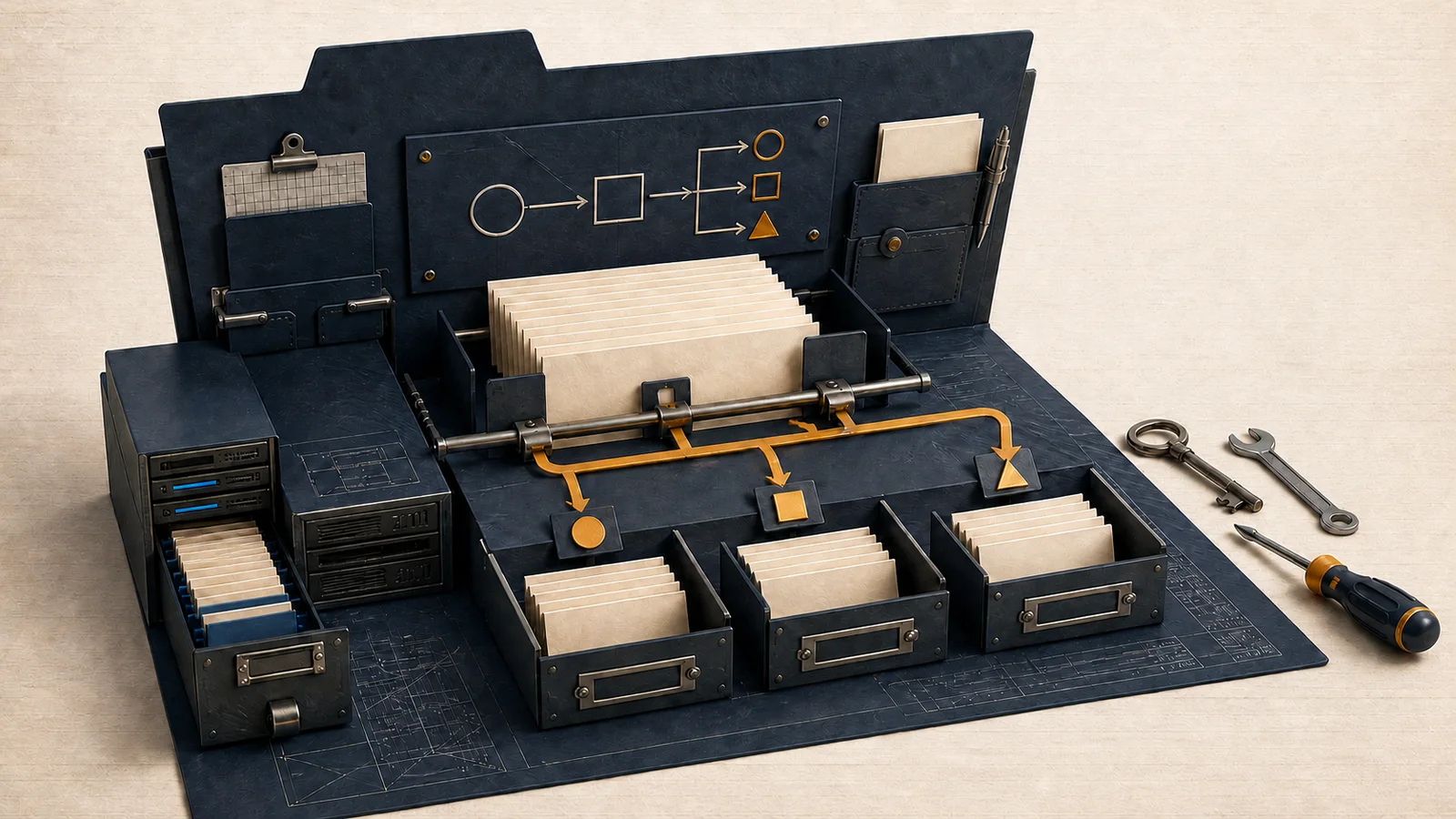
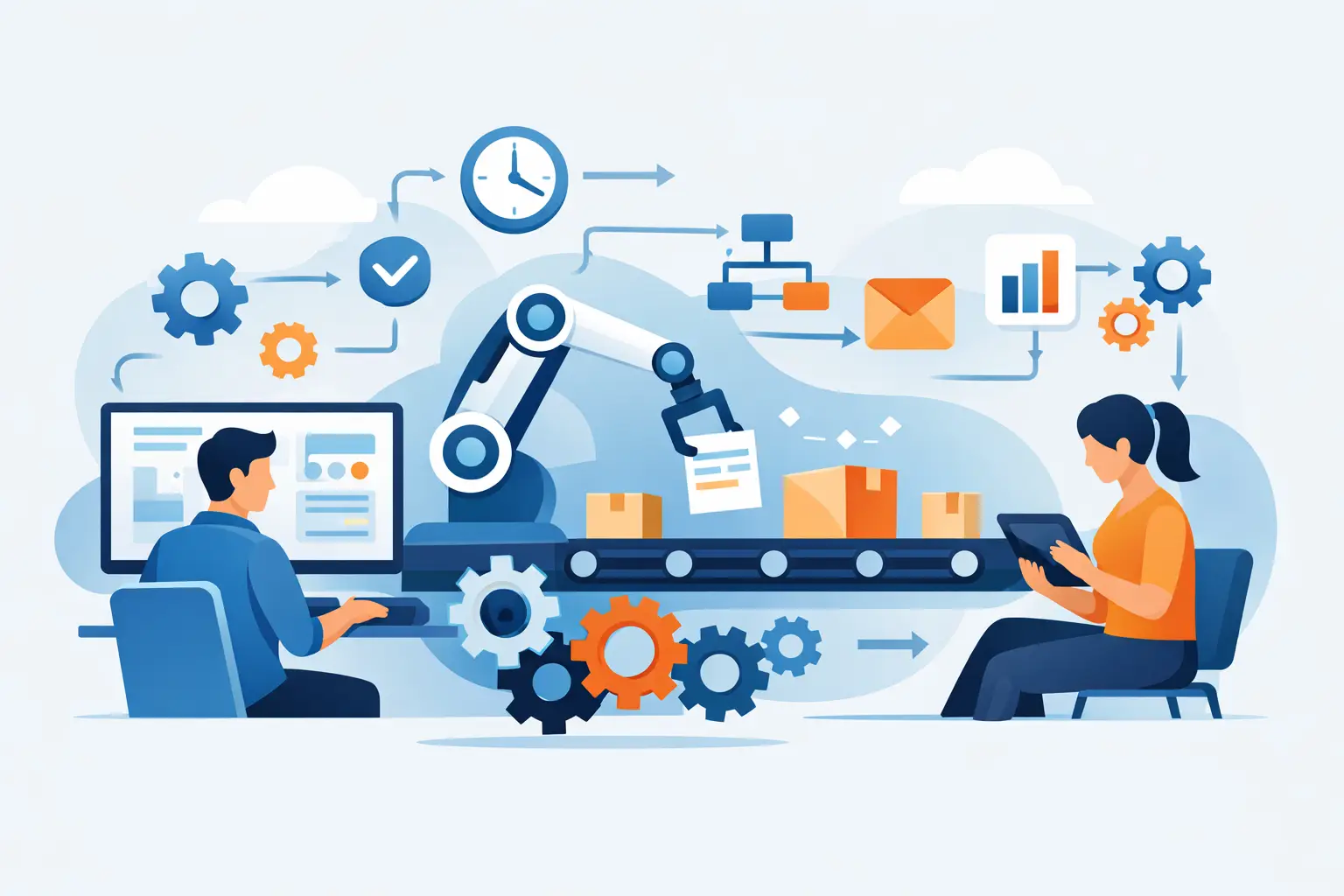
An automated workflow is a sequence of actions that begins with a trigger and causes the system to perform a task without continuous human intervention. The trigger can be a quote request, a missed call, a booking, a purchase, an overdue invoice, or a job application received. The action can be sending an email, creating a task, assigning a lead to a sales representative, sending a reminder via WhatsApp, updating the CRM, opening a ticket, or notifying the team.
So far, it seems simple. The problem is that many companies confuse individual automated processes with a system. Sending an automated email after a form submission doesn’t mean you have an effective workflow. It means you have one piece of the puzzle. If that lead isn’t then qualified, assigned, followed up on, and monitored, you’ve automated a minor detail while leaving the bottleneck intact.
That’s why automated business workflows work when they connect marketing, sales, and operations—not when they’re isolated in a tool purchased on a whim.
Where you can really make money
The areas where automation yields the quickest return are almost always the same. The first is the lead management. If a request comes in and the system classifies it, notifies the right person, and triggers automatic follow-ups, you increase the chances of making contact while the lead is still warm. And a warm lead is worth much more than one you call back the next day.
The second area is operational administration: quotes, follow-ups, document collection, appointment confirmations, and customer onboarding. Here, the benefit isn’t just the time saved—it’s continuity. Things stop depending on someone’s memory, and for an SME, this makes the difference between a business that scales and one that’s always playing catch-up.
The third area is post-sales. Many companies spend money on customer acquisition and then handle customer support in a haphazard manner. A well-designed workflow can open tickets, prioritize urgent issues, send updates, collect feedback, and even trigger repurchase or upsell campaigns. If the customer perceives order and speed, they stay longer and buy with less friction.
The real mistake: automating chaos
We need to be clear about this. If your process is confusing, automating it won’t make it any better. It will just make it faster at creating confusion.
It’s common to see companies that want to “implement automation” without having defined who does what, in what order, with what priorities, and with what response times. The result is predictable: unnecessary notifications, duplicate tasks, untimely emails, a messy CRM, and an annoyed team. At that point, the tool gets the blame. In reality, the problem lies upstream.
First, you map out the process. Then you automate the parts that make sense. And no, not everything needs to be automated. There are steps where the human touch remains crucial, especially in complex negotiations, sensitive customer service, or when managing high-value clients. Automation should reduce friction, not replace human judgment.
How to Design Effective Automated Business Workflows
The first step is to map out the actual steps, not the theoretical ones. It doesn’t matter how the company is supposed to operate on paper. What matters is understanding what actually happens when a lead comes in, when a customer accepts an offer, when a payment is late, or when a support request comes in. If you start with an idealized version, you’ll build a system that the team won’t use.
The second step is to identify the areas where you’re wasting money or time. Slow response times, poorly collected data, overlooked tasks, redundant steps, customers not followed up with, and quotes not acted upon. Automation needs to step in where the cost of inefficiency is clear.
The third step is to define triggers, conditions, and responsibilities. What sets the workflow in motion? What happens if the lead comes from Google Ads instead of an organic search? Who receives the task? How long before a follow-up is sent? When does the process switch from automated to manual? If these rules aren’t clear, the system will go haywire.
The fourth step is to measure. A workflow isn’t effective just because it looks smart. It’s effective if it reduces average response time, increases the appointment booking rate, lowers the number of forgotten leads, speeds up collections, or lightens the team’s workload without compromising quality. If you don’t measure, you’re just installing software.
The tools matter less than the architecture
Many entrepreneurs start with the wrong question: Which platform should I use? CRM, email marketing tools, chatbots, contact forms, VoIP phone systems, shared spreadsheets, and ticketing systems. These are all useful tools, but on their own, they don’t solve anything.
The right question is: how do these tools need to communicate with each other to move the customer along a specific path? If the website generates leads but the CRM doesn’t receive them properly, you have a gap. If the CRM records the lead but no one is notified, you have another gap. If the sales rep closes the deal but the operations department doesn’t receive the data in order, you’ve simply pushed the problem further down the line.
That’s why integration is more valuable than any single tool. And ongoing maintenance is even more valuable. Processes change, campaigns change, teams change, and offerings change. A workflow that’s left untouched for six months often stops reflecting the reality of the business. And when a system doesn’t reflect reality, the team starts working outside the system again.
When automation isn't cost-effective
Automation isn’t always the right choice—at least not right away. If you’re handling a small number of highly qualified leads and closing deals through high-touch personal relationships, it may make more sense to automate only the administrative side and keep the sales side manual. If your process changes every two weeks, you should stabilize it first. If you don’t have minimum volumes or reliable data, you risk investing energy in a sophisticated system that yields little.
There’s also another issue: poorly designed automation can cause you to miss out on opportunities. An overly rigid automated message, incorrect segmentation, or a forced transition can worsen the experience. This is especially true in professional services, where trust and timing are crucial. The point isn’t to automate everything. The point is to automate what needs to be fast, consistent, and repeatable.
The competitive advantage isn't the tool; it's consistency
This is where many companies fall short. They create the initial setup, activate two or three workflows, and then no one updates them anymore. In the meantime, campaigns change, promotional offers change, the website changes, and the market changes. The workflow stays the same and starts to fall behind.
That’s why automation shouldn’t be treated as a one-time task. It needs to be monitored, adjusted, tested, and refined. A message can be rewritten to boost responses. A form can be simplified to improve the lead quality. An internal assignment can be adjusted to save time. These are small changes, but they have a significant impact on the results.
An operational partner that oversees website, CRM, sales funnel, advertising, and processes It has a clear advantage: it looks at the entire journey, not just a single element. This is also the approach WebWakeUp takes, because a lead doesn’t convert because of a beautiful page or a single automation. It converts when the entire digital ecosystem responds in a consistent, rapid, and measurable way.
Where to start, without making things complicated
If you’re still bogged down with manual tasks today, there’s no need to rush into implementing twenty different automation tools. You need to identify the area where inefficiency is costing you the most. In most cases, it’s one of these three: lead management, sales follow-up, or customer onboarding.
Start there and build a simple yet comprehensive workflow. Initial event, proper data collection, immediate assignment, internal reminders, customer communication, CRM update, final check. Once that process is running smoothly, move on to the next one.
The mistake to avoid is trying to show off. Companies don’t grow because they have the most sophisticated system. They grow because they respond faster, make fewer mistakes, follow up on leads more effectively, and maintain order as their volume increases.
If your business still relies too heavily on missed messages, scattered notes, mental reminders, and constant chasing after things, the problem isn’t the market. It’s that you’re leaving profit on the table every day. And sooner or later, a competitor who’s quicker than you will snatch that profit away.